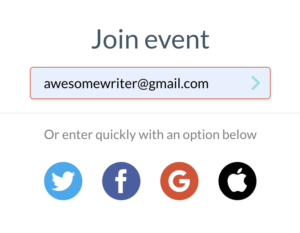
You’ll see a place to enter your email.
Type it in, then click the green > symbol just to the right of it.
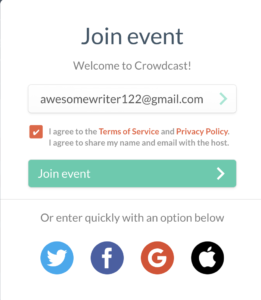
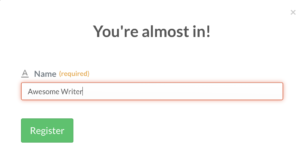
Click the green Register button. It’ll redirect you to a screen with this pop-up:
Either click the orange Show Me The Tour and follow the prompts, or click the X on the upper-right of the pop-up to go right to the event.
Once you see the event name and text chat on the right, you’re all set and ready to enjoy the event! It will automatically go live at the event start time (we sometimes run a few minutes behind). Can’t see it? Hit refresh!
If You Get An Email Me A Link Prompt
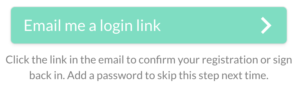
If you see a button offering you an “email me a login link” prompt, not to worry! You can still get in.
That looks like this:
Click the green button and check your email (and spam!).
If you don’t get an email, click here, or scroll down for instructions.
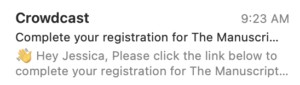
The correct email looks like this:
Click the link (the orange button that says Complete My Registration) in that email:
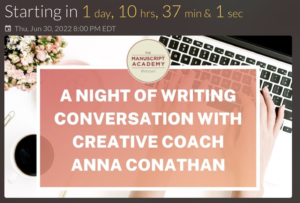
You’ll be redirected to the event. That looks like this (or, if it’s not Anna’s event, you’ll see that event’s image and the countdown clock):
If you click the “send me a login link” button and don’t get an email:
First of all, please check spam!
If you’ve refreshed and it’s still not there, please try another email address of yours, that you haven’t used with us (or with Crowdcast) yet. That should get you right into the event.
If you still get the “send me a login link” button, that means you’re using an email address you’ve used before.
Please use another one (or a friend’s!) and it’ll let you in.